

Kogama Sky Land Online Platformer
Reviews
Kogama Sky Land offers a unique blend of platforming and bridge building that keeps gameplay fresh. The vibrant floating islands are fun to explore, and the multiplayer mode adds a social layer. Controls are simple and responsive, making it easy for anyone to pick up. The free-to-play model with no downloads is a big plus. Overall, it is a solid choice for casual gamers looking for creative online fun.
About This Game
Game Introduction
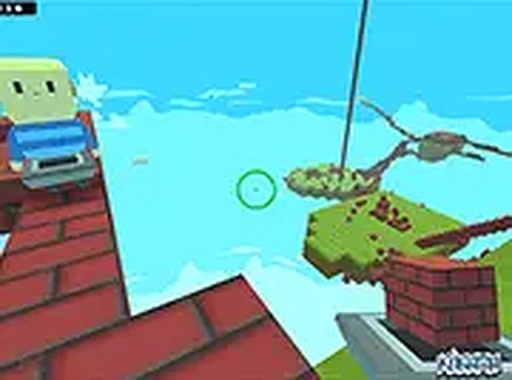
Kogama Sky Land is a free online platformer set in a vibrant world of floating islands high in the sky. The core objective is to explore these islands, collect points, and build bridges to connect them. This game blends creative building with exploration and light competition, all within a family-friendly environment. It runs directly in a web browser, so no downloads or installations are needed to start playing. The colorful visuals and simple mechanics make it accessible for players of all ages.
How to Play
Players control their character using standard keyboard and mouse inputs. Movement is typically handled with the WASD or arrow keys, while the mouse is used for aiming and interacting with objects. The main gameplay involves gathering resources to construct bridges across gaps between islands. Players can also engage with others in online multiplayer matches, working together or competing to collect Kogama points. A stable internet connection is recommended for the best experience, and the game supports full-screen mode for greater immersion.
Game Features
Key features include the ability to build bridges between floating islands, explore a colorful 3D world with friends, and participate in friendly multiplayer matches. The game uses simple keyboard and mouse controls, is free to play, and runs entirely in a browser without requiring installation. It offers a safe, creative environment suitable for players of all ages.
Tips for Success
To succeed in Kogama Sky Land, focus on efficient resource gathering to build bridges quickly. Practice your aiming and movement to navigate islands smoothly. Teamwork can be valuable in multiplayer mode, so communicate with friends to coordinate efforts. Explore each island thoroughly to find hidden points and shortcuts. Finally, stay aware of your surroundings to avoid falling off platforms.








Comments
0 comments